
AI search in Prospector is now open to everyone
Describe who you're looking for in plain language and Prospector turns it into filters you can edit. Open to every SalesQL user, with no credits to search.

Key takeaways
- Describe the people you want in Prospector's AI search box, and it turns your words into filters and runs the search.
- Every filter it sets is a regular filter you can change, add or remove, and Prospector marks the filters as Edited once you do.
- When a search finds nothing, Prospector suggests filters to remove, or lets AI widen the search for you.
- AI search is open to every SalesQL user since October 21, and searching doesn't use credits.
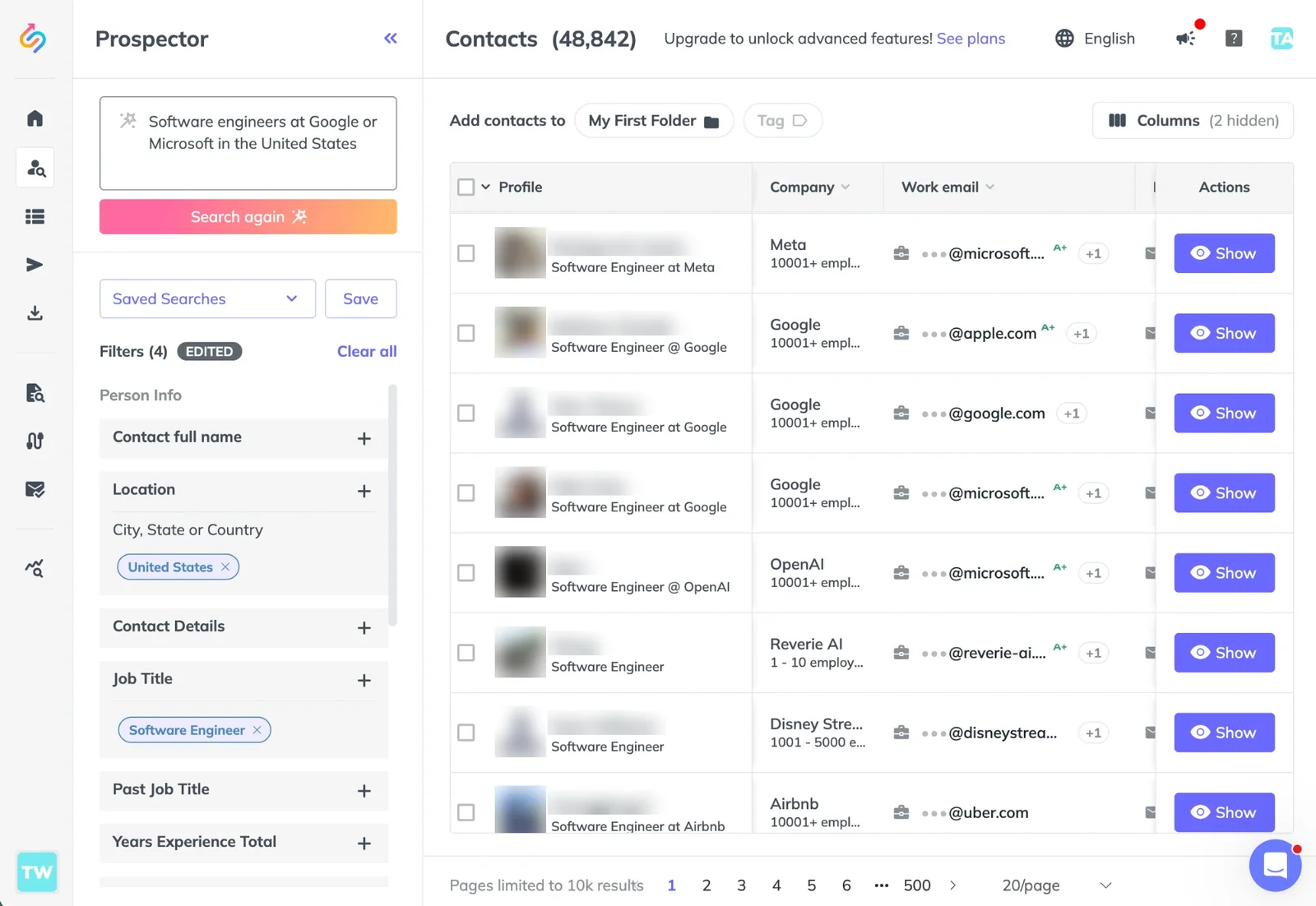
Prospector now has an AI search box. Instead of setting filters one by one, describe the people you want to reach, and Prospector turns your words into filters and runs the search. Since October 21, it's open to everyone on SalesQL.
Describe who you're looking for
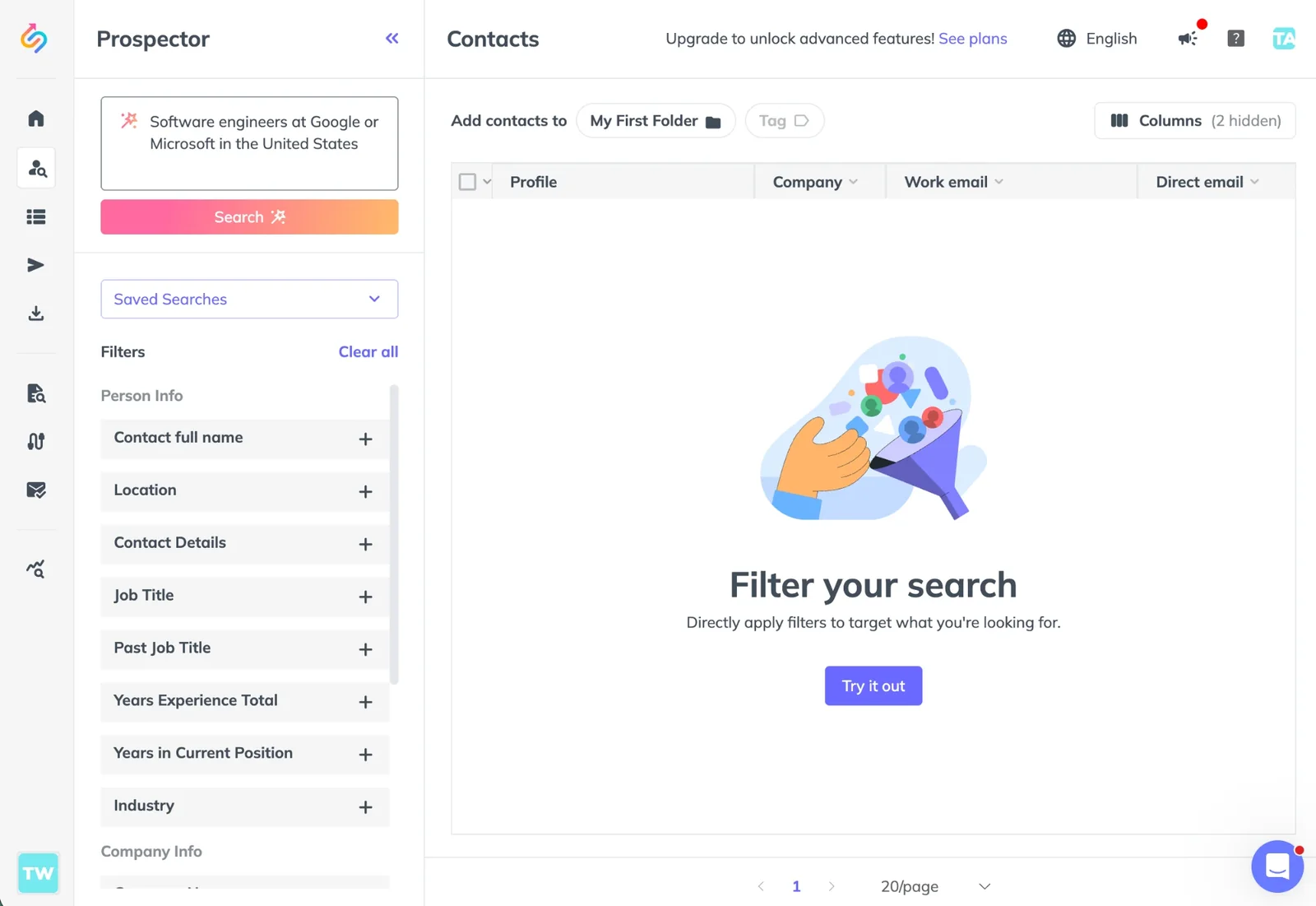
Open Prospector and write in the box labeled Describe who you're looking for. Name the role, the company or the kind of company, the location and anything else that matters. These are the examples in the app:
- Software engineers at Google or Microsoft in the United States
- Marketing directors at fintech startups in Spain with 10+ years of experience
- Founders of SaaS companies founded after 2020 with fewer than 50 employees
Filters you can edit
AI search fills in Prospector's regular filters, such as job title, company, industry and location, so you see exactly what it searched for. Change, add or remove any of them by hand, and Prospector marks the filters as Edited. To start over from your description, click Search again.
When a word doesn't match a filter value, Prospector tells you which one and points you to the filter, so you can pick it by hand.
Try SalesQL
Build a list of the right people
Search 185M+ professional profiles by job title, company, industry and location. Searching doesn't use credits.
When a search finds nothing
If no contact matches, Prospector suggests filters to remove, one click each, or lets AI widen the search for you.
What it costs
Searching doesn't use credits, with AI search or with filters. Revealing a contact costs 1 credit, and if no email is found, you're not charged.
Frequently asked questions
Who can use AI search?
Every SalesQL user, on every plan, Free included. On Free it has a lower daily limit.
Does AI search use credits?
No. Searching doesn't use credits, with AI search or with filters. Revealing a contact costs 1 credit, and if no email is found, you're not charged.
Can I search in Spanish?
Yes. Switch Prospector to Español and the box reads "Describe a quién buscas".