
SalesQL is now an official ChatGPT plugin
Find B2B leads and their contact data from ChatGPT or Claude on every SalesQL plan, Free included. Plus Campaigns, to email them from SalesQL.

Key takeaways
- SalesQL is now an official plugin in ChatGPT. Install it from ChatGPT's plugin directory and sign in with your SalesQL account.
- It works on every SalesQL plan, Free included, and uses the same credits as the rest of SalesQL. Searching doesn't use credits.
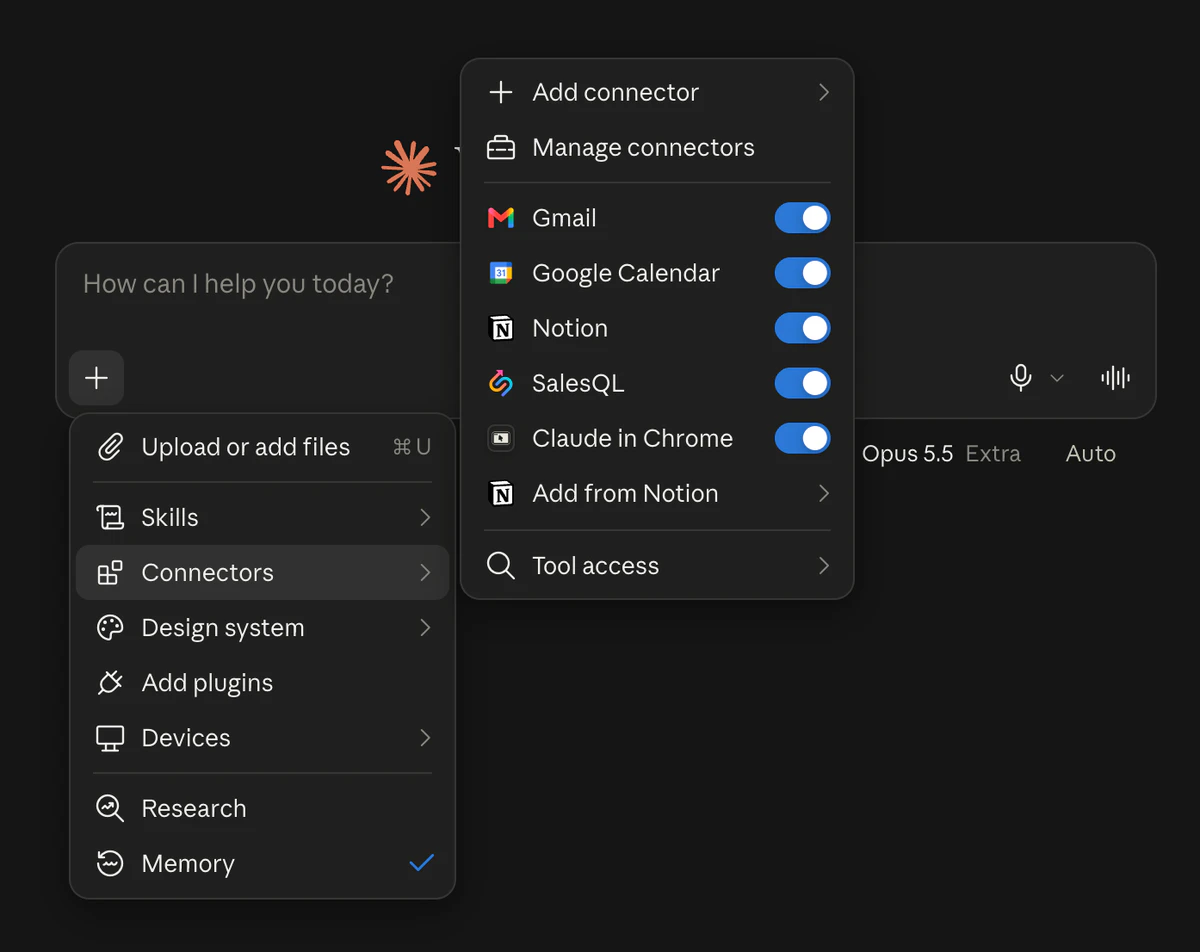
- In Claude, Cursor and other AI assistants, SalesQL connects as a custom connector. The setup guide covers each one.
- Campaigns sends cold email sequences to your SalesQL contacts from your own Gmail or Microsoft 365 inbox, on every plan.
SalesQL is now an official plugin in ChatGPT, and you can install it from ChatGPT's plugin directory. Describe the people or companies you're looking for, and SalesQL finds them and gets their contact data right in your chat. It works with your SalesQL account on every plan, Free included.
Find leads inside ChatGPT
- Install the plugin. Open SalesQL in ChatGPT, or search for SalesQL under Plugins in ChatGPT's sidebar, and click Install plugin.
- Connect your account. Click Connect SalesQL, sign in with your SalesQL account and approve the connection.
- Ask. In a chat, type @ and pick SalesQL, or just ask: ChatGPT uses SalesQL when it's relevant.
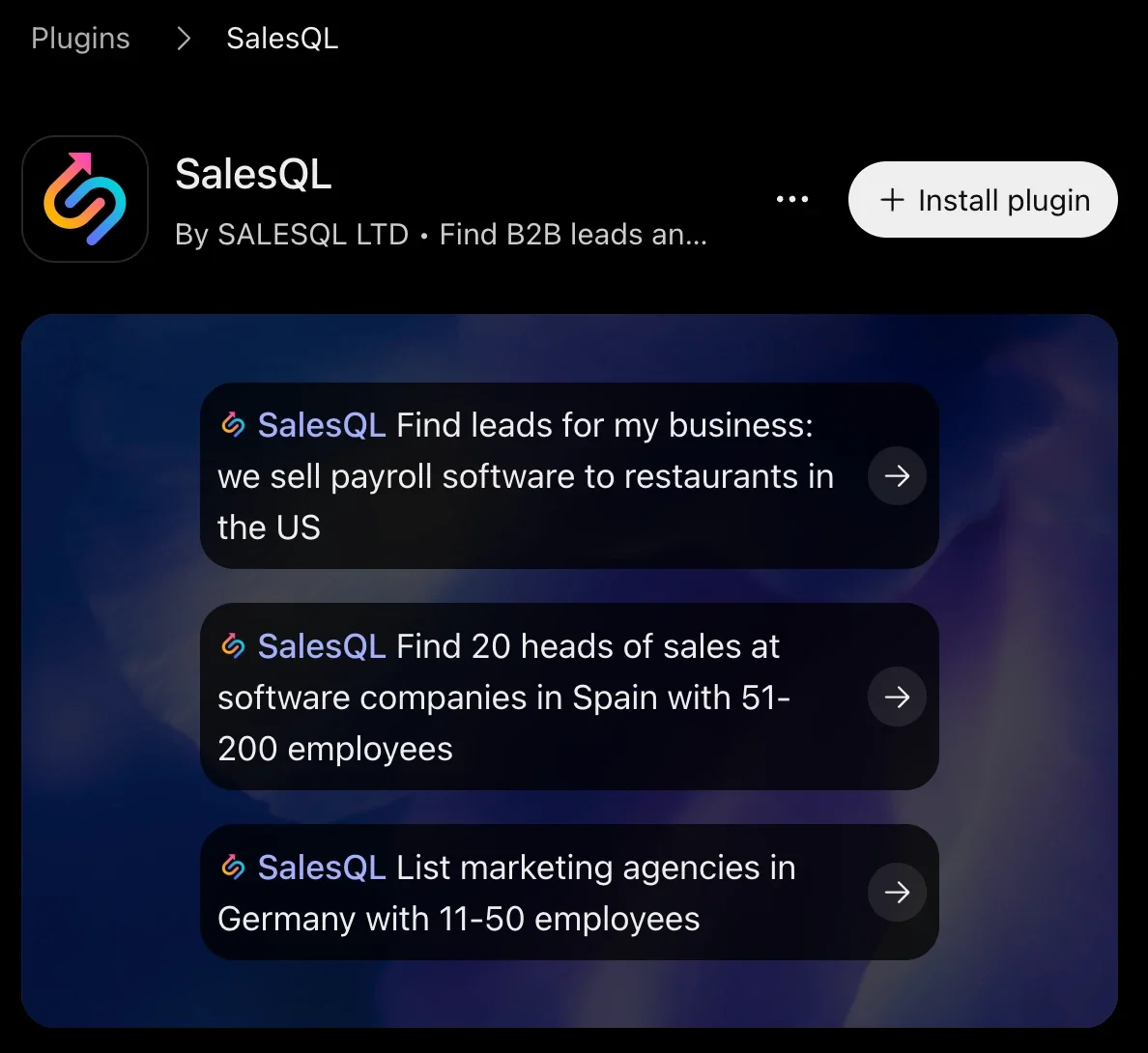
Once it's connected, try asking:
Try this prompt
Find companies selling payroll software to restaurants in the US
Try this prompt
Find 20 heads of sales at software companies in Spain with 51-200 employees
Searching doesn't use credits. Revealing a contact costs 1 credit, the same as in the extension or the Prospector, and if no email is found, you're not charged. Company data is free.
Added SalesQL as a custom connector before?
Remove it in ChatGPT under Settings → Plugins and install the official plugin, so you don't see SalesQL twice. In a ChatGPT Business, Enterprise or Edu workspace, an admin decides which plugins members can install: if SalesQL is missing or shows Disabled by admin, ask your admin to make it available.
On every plan, Free included
Connecting SalesQL to an AI assistant is now part of every plan, Free included. On Free it runs with lower daily limits, and the paid plans add more credits and phone numbers. Compare the plans.
Try SalesQL
Prospect from your AI assistant
Connect SalesQL to ChatGPT, Claude or Cursor and find contacts without leaving the chat.
Also in Claude, Cursor and other assistants
SalesQL works in Claude too. Add it once as a custom connector and it's there on claude.ai, the desktop app and the mobile apps. It also connects to Claude Code, Codex, Cursor, VS Code, Gemini CLI and Perplexity. The setup guide walks through each one.
Campaigns: email your leads from SalesQL
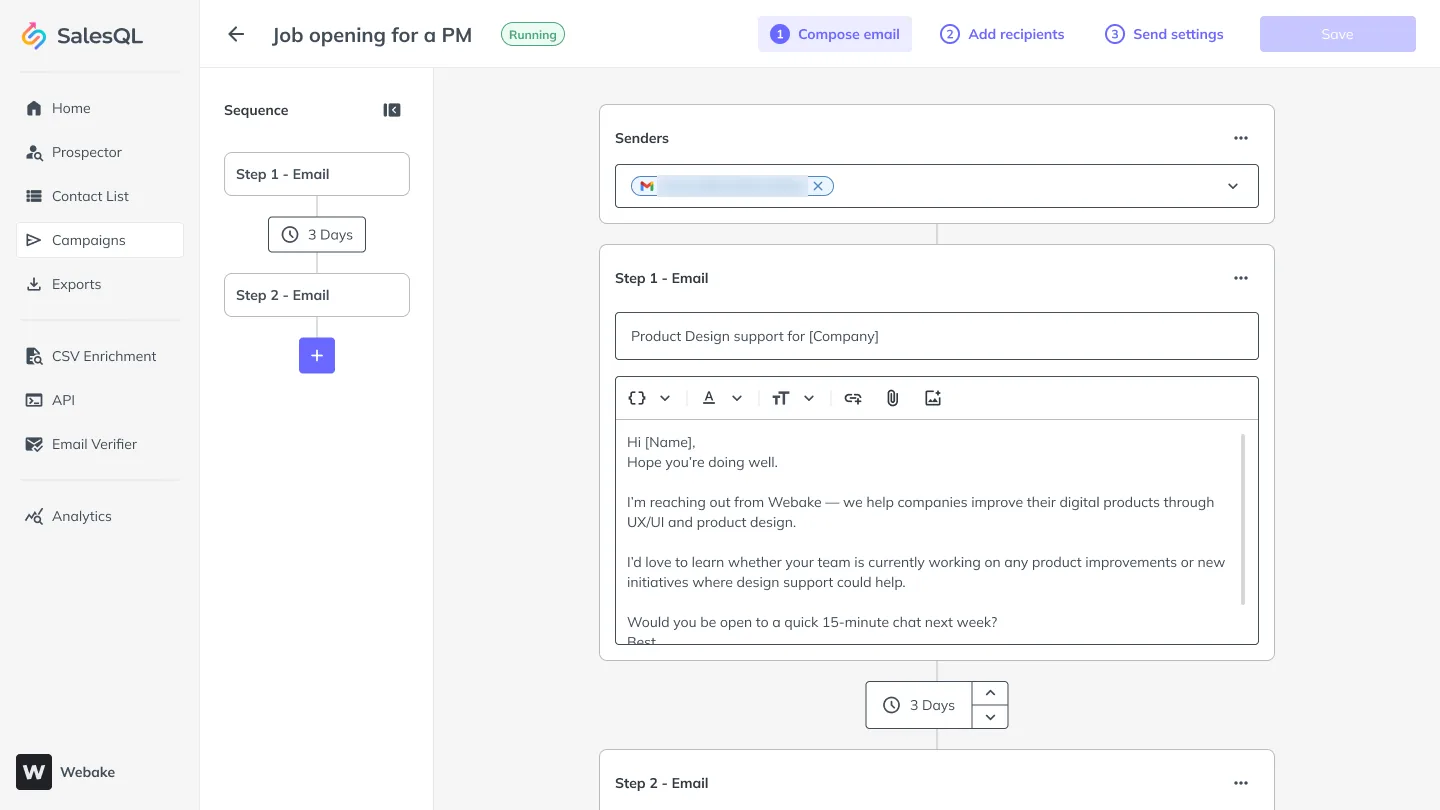
Until now, once you had your leads you had to export them to another tool or write every email by hand. Campaigns sends cold email sequences straight from your SalesQL lists:
- Send from your own Gmail or Microsoft 365 inbox, and rotate between senders.
- Name, role and company fill in from your contact data.
- Up to 10 emails per sequence: an opener and up to nine follow-ups that go out on their own.
- See how every step performs, with opens and clicks.
Sending doesn't use credits. Every plan includes a number of recipients a month, from 100 on Free to 50,000 on Premium. Open Campaigns to start your first sequence.
Frequently asked questions
Does it use credits?
Searching doesn't use credits. Revealing a contact costs 1 credit, the same as in the extension or the Prospector, and if no email is found, you're not charged. Company data is free.
Which plans include it?
Every plan, Free included. On Free, SalesQL in ChatGPT and Claude runs with lower daily limits.
I added SalesQL to ChatGPT as a custom connector. What should I do?
Remove it in ChatGPT under Settings → Plugins and install the official plugin, so you don't see SalesQL twice.
Does Campaigns use credits?
No. Sending doesn't use credits. Each plan includes a number of recipients a month, from 100 on Free to 50,000 on Premium.