
Track your team’s SalesQL credit usage with Analytics. See how each team member uses SalesQL to better understand their needs, set usage targets, and adjust credit allocation.
Filter the data by time period or review individual user activity in more detail. To open Analytics, click “View detailed analysis” on your dashboard.
Review usage by feature
The dashboard shows credit usage for:

- Extension
- Prospector
- CSV Enrichment
- API
- MCP
- Email Verifier
MCP usage appears in its own category, so you can distinguish credits used through your connected AI tools from API usage and other SalesQL features.
The Total Emails & Phone card summarizes usage across Extension, Prospector, CSV Enrichment, API, and MCP. Email Verifier usage is displayed separately in the Total Email verifier card.
Filter by team member and time period
To review an individual team member’s usage:
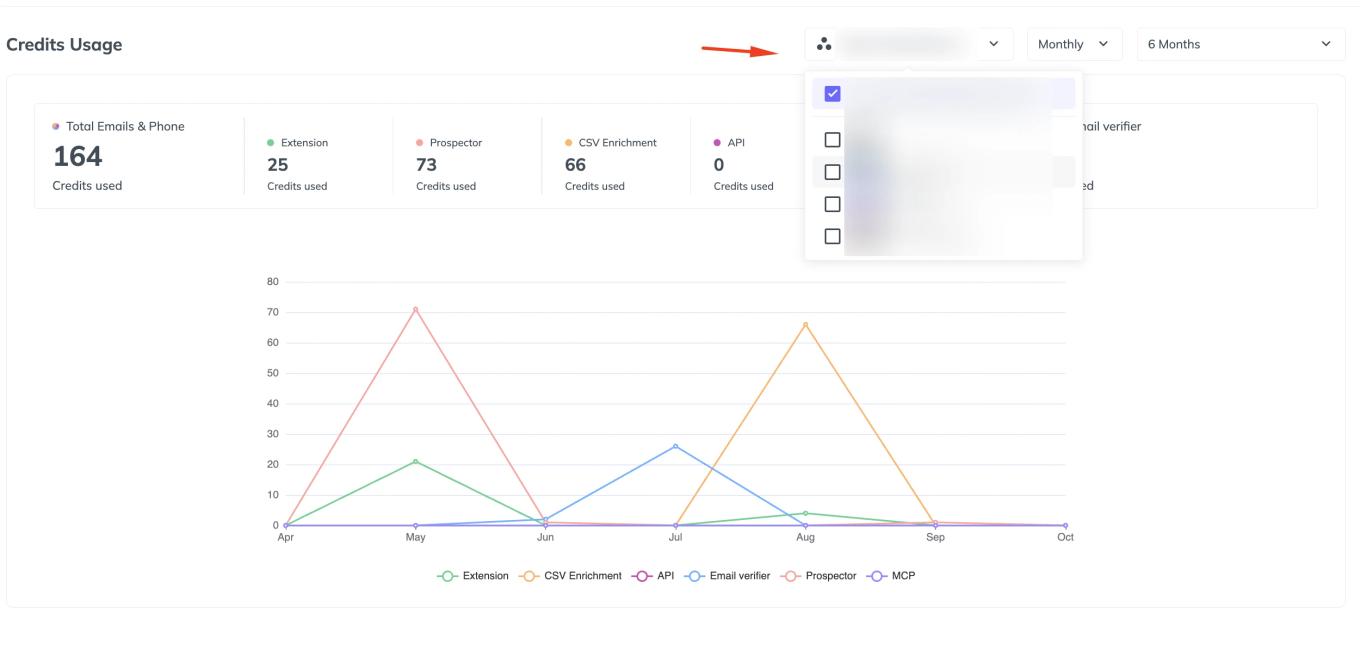
Use the user dropdown at the top right to select the team member.
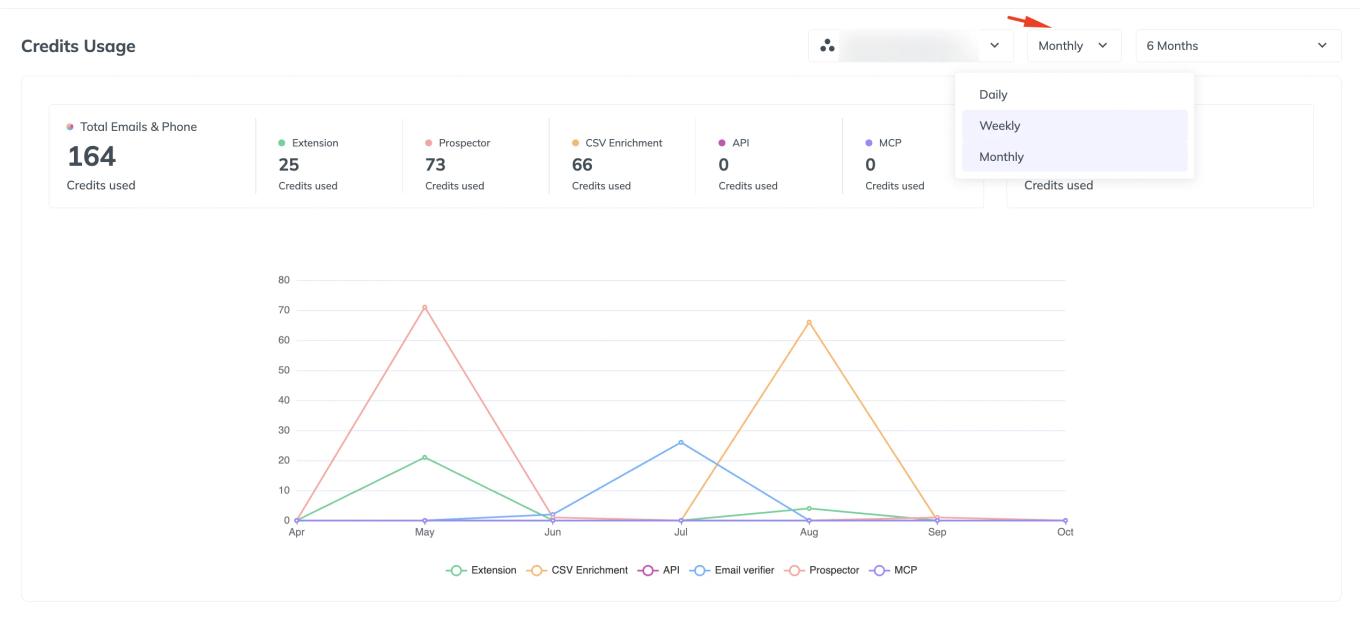
Choose the time grouping, such as Monthly.
Select the period you want to view, such as 6 Months.
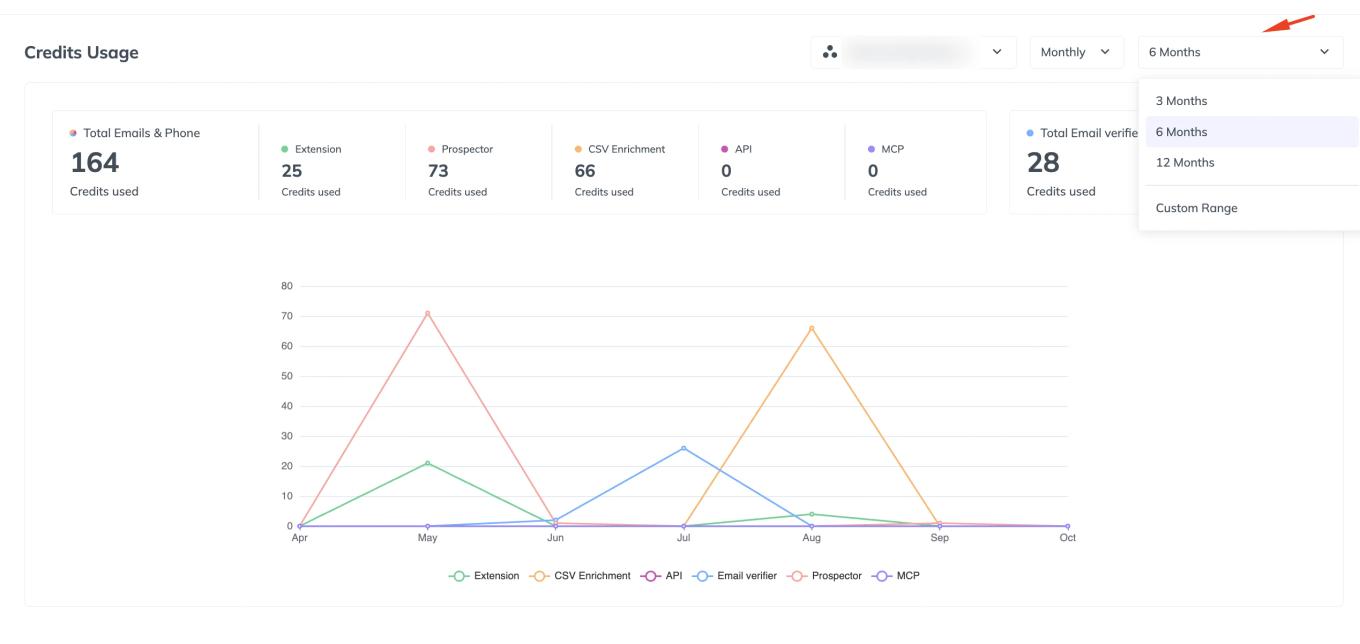


The totals and chart reflect your selected filters. Each feature has its own color, making it easy to compare usage over the selected period.