Getting started

Your first contact - SalesQL on LinkedIn RPS

Add individual contacts on LinkedIn RPS with the SalesQL extension: pick a folder, click Reveal info & Add, and open the contact in your dashboard.

📋 In this guide, we will show you how to add individual contacts on Recruiter RPS. 📈👥🔍

  1. Go to the profile of the contact you wish to add, and click on the extension icon. Next, select the folder to which you intend to send the contact.
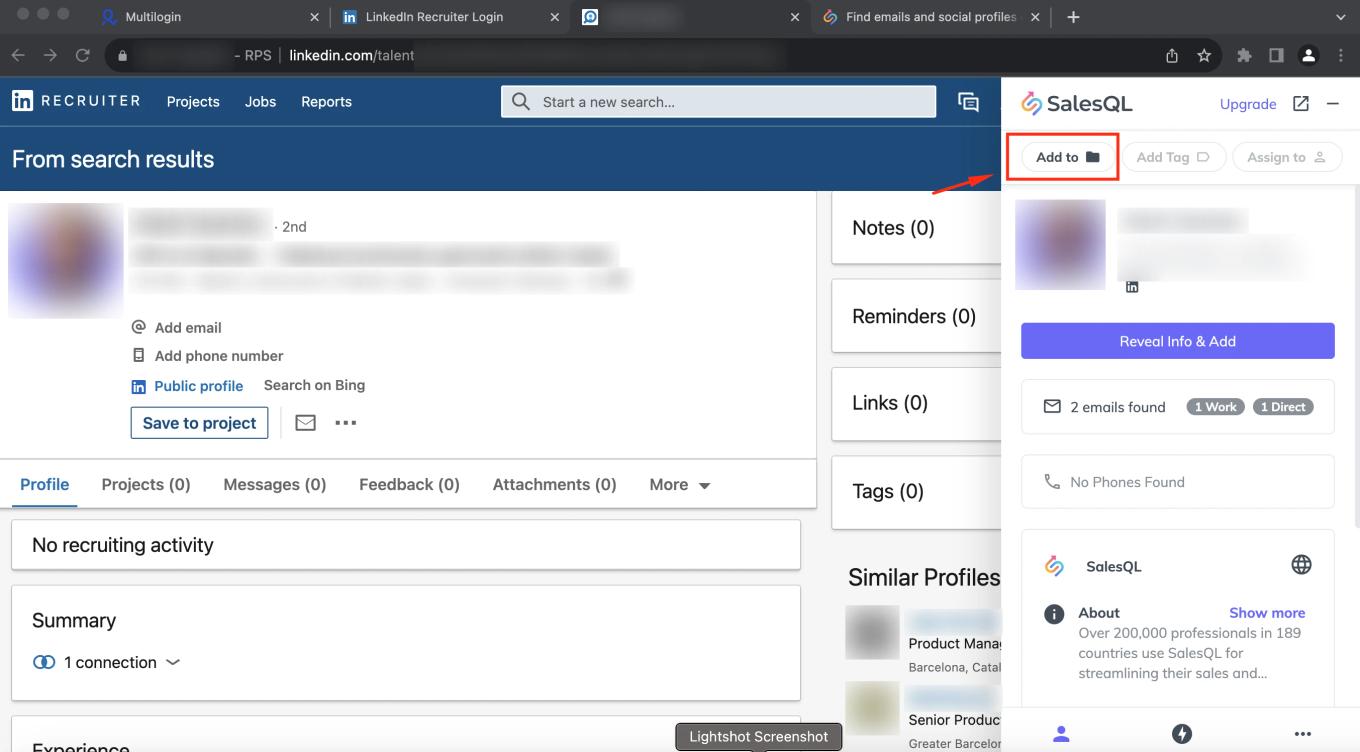
    SalesQL extension on a LinkedIn Recruiter candidate profile with the "Add to" button highlighted
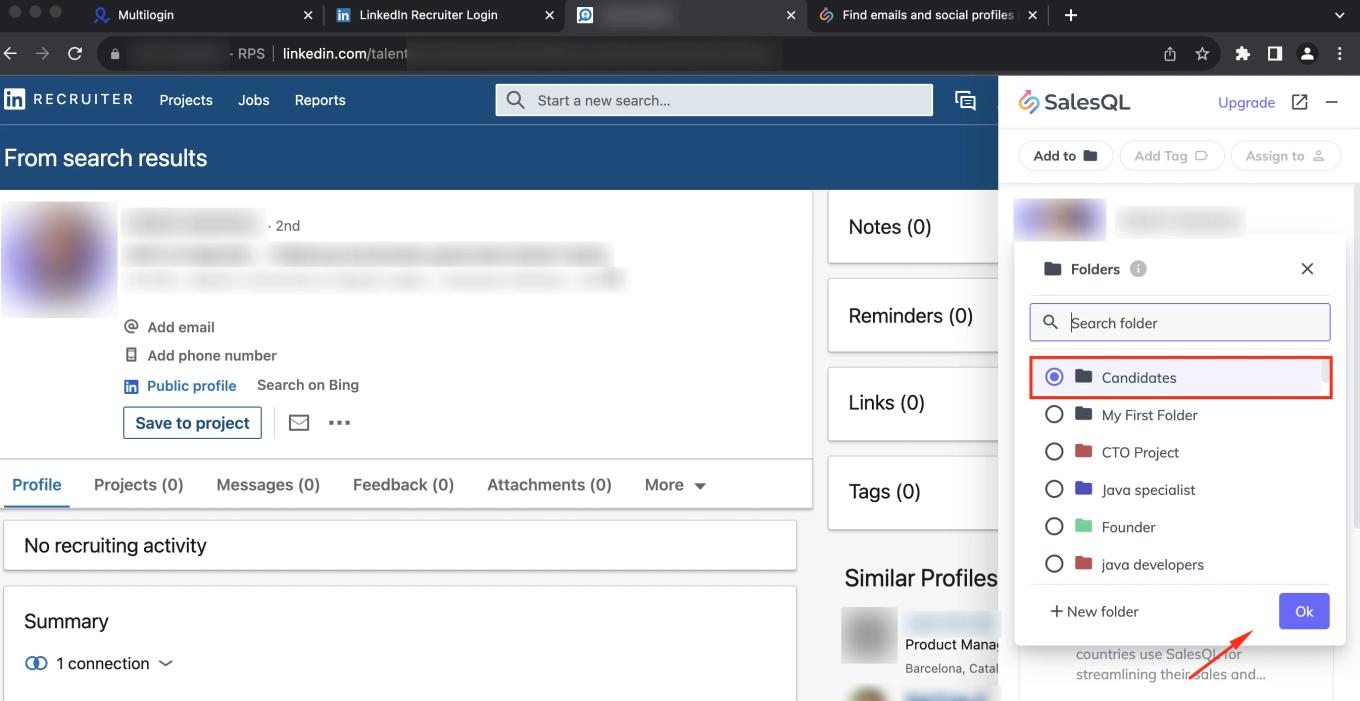
  2. In this case, “Candidates”

    SalesQL folder list on a LinkedIn Recruiter profile with the "Candidates" folder selected and the "Ok" button
  3. Now, that you have the folder selected, click on the plus (Reveal info & Add) button.
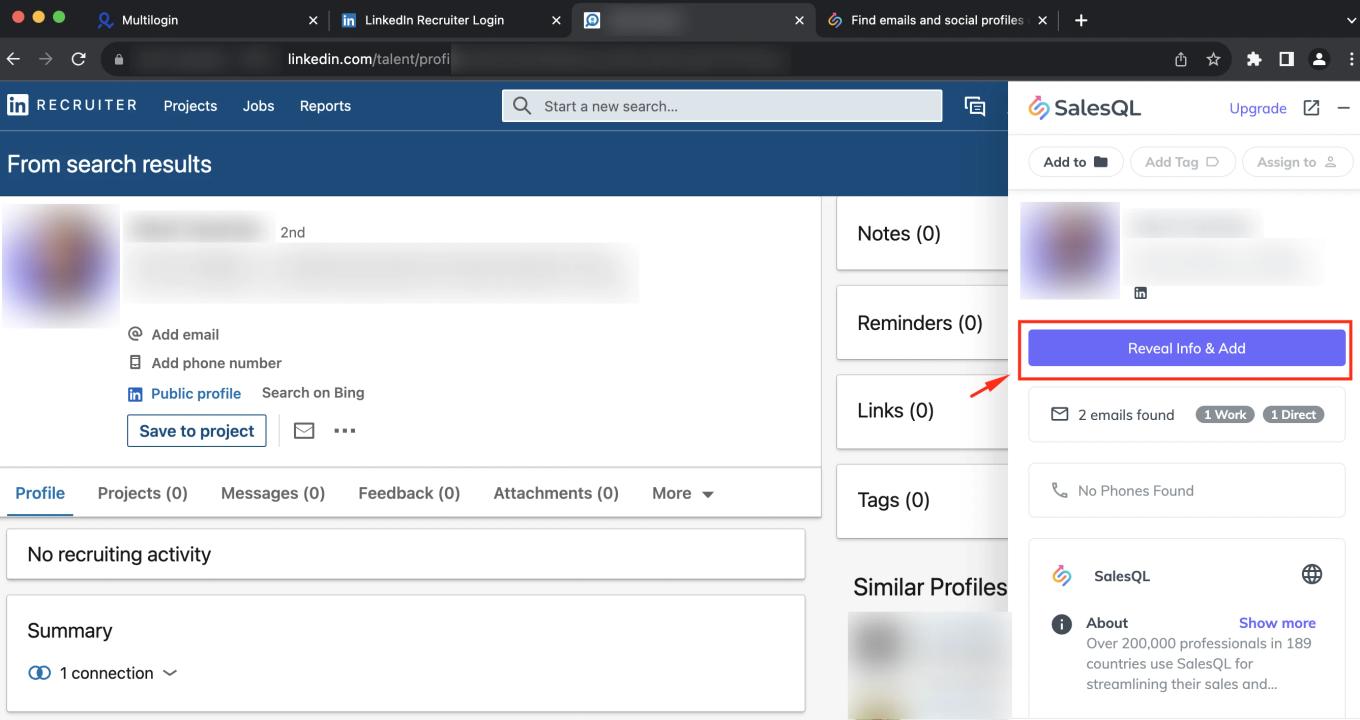
    SalesQL extension on a LinkedIn Recruiter profile with the "Reveal Info & Add" button highlighted
  4. For an easier way to locate the contact folder, simply proceed to the extension profile and click on "Open in dashboard"
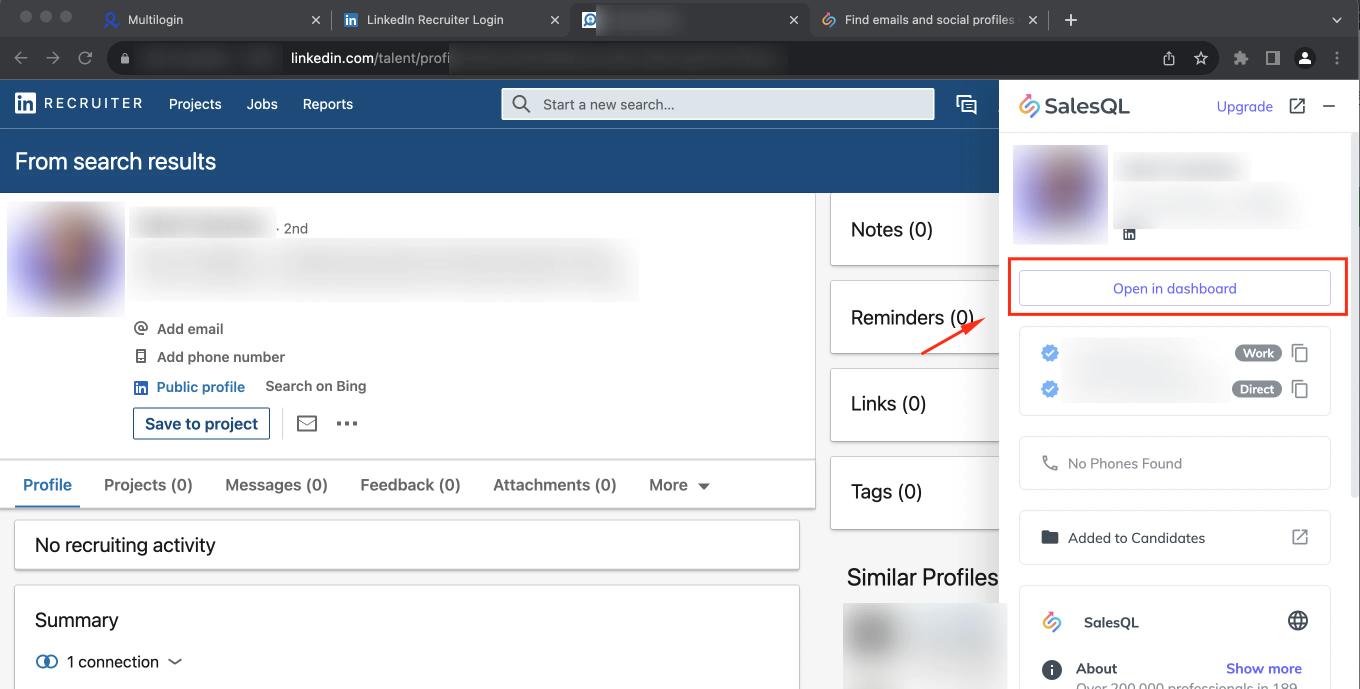
    SalesQL extension on LinkedIn Recruiter after revealing a contact, with "Open in dashboard" highlighted

📚 For further information on additional Recruiter features, please refer to this article: Bulk Over Recruiter RPS Version 📖🌐🔍

More in Browser extension

See all 16 articles in Browser extension